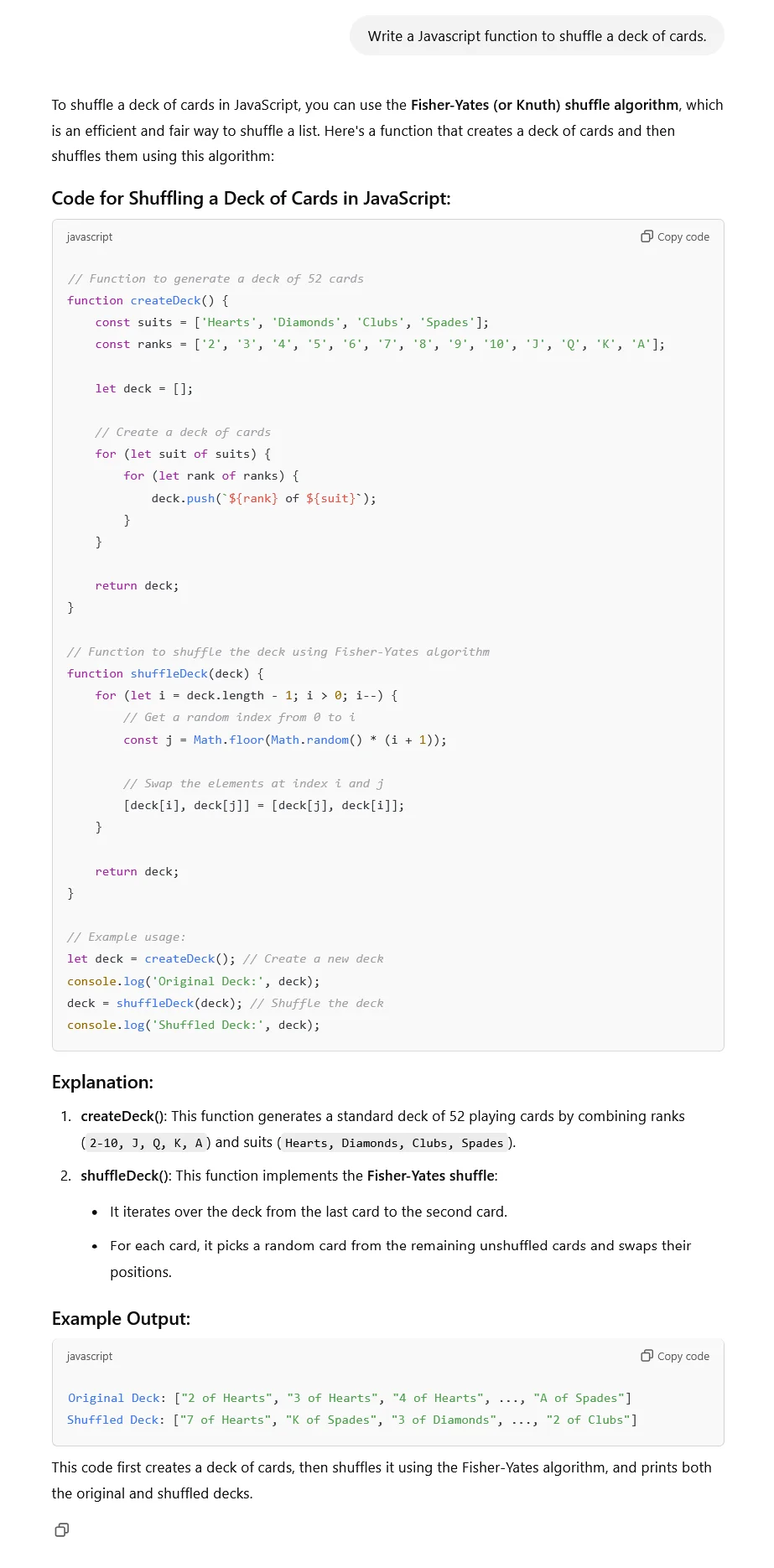
An AI prompt generator for ChatGPT is the difference between getting mediocre, generic responses and getting exactly what you need on the first try. Most people type vague instructions like “write me a blog post about dogs” and then wonder why the output reads like a middle school essay. The secret? Better prompts. Our free AI prompt generator builds structured, detailed prompts for you — no prompt engineering degree required.
[rank_math_toc]
Why Most ChatGPT Prompts Fail (And How to Fix Them)
Let’s be honest: most people are terrible at writing prompts. It’s not their fault — nobody teaches this stuff. But the gap between a bad prompt and a good one is enormous. A bad prompt gives you 300 words of fluff. A good prompt gives you a polished, usable piece of content that actually sounds like you wrote it.
Here’s what a typical bad prompt looks like:
“Write an article about email marketing.”
That’s it. No tone guidance, no word count, no audience specification, no structure. ChatGPT will give you something, sure, but it’ll be generic, boring, and instantly recognizable as AI output.
Now here’s what a well-structured prompt looks like:
“Write a 1,200-word beginner’s guide to email marketing for small business owners. Use a conversational, friendly tone — like you’re explaining this to a friend over coffee. Include 5 practical tips with specific examples. Add a FAQ section with 4 common questions. Avoid jargon. Structure with H2 headings.”
See the difference? The second prompt gives ChatGPT everything it needs to produce focused, useful content. Our AI prompt generator for ChatGPT builds those detailed prompts for you automatically.
Image placeholder: Side-by-side comparison of basic vs. structured ChatGPT prompts — alt text: “Comparison showing a vague ChatGPT prompt versus a detailed structured prompt with better results”
What Our AI Prompt Generator Does
Our tool takes the guesswork out of prompt engineering. You tell it what you want to create, and it builds a comprehensive, structured prompt that you can paste directly into ChatGPT, Claude, Gemini, or any other language model. Here’s how it works:
Step 1: Choose your content type. Blog post, email, social media caption, product description, video script, code snippet — we’ve got templates for all of them.
Step 2: Enter your topic. Be as specific or as broad as you want. “Best protein powders for women over 40” works better than “protein powder,” but both will generate usable prompts.
Step 3: Set your preferences. Tone (professional, casual, humorous, authoritative), word count, target audience, format preferences — the more details you provide, the better the output.
Step 4: Generate. The tool assembles a complete, structured prompt that you can copy and paste into ChatGPT. It includes role assignment, context, constraints, format requirements, and style guidelines.
The whole process takes about 30 seconds. Compare that to the 15 minutes most people spend tweaking prompts and re-generating responses, and you’ll see why this tool pays for itself immediately (even though it’s free).
The Anatomy of a Great ChatGPT Prompt
Understanding what makes a prompt effective helps you use the generator better — and also helps you write your own prompts when you’re in a hurry. Here are the key components:
Role Assignment
Tell ChatGPT who it should be. “You are a seasoned copywriter with 15 years of experience in SaaS marketing.” This immediately frames the output in the right context. Without it, ChatGPT defaults to a generic, encyclopedic voice.
Clear Task Definition
What exactly do you want? Not “write about marketing” but “write a 1,500-word comparison article evaluating three email marketing platforms for small businesses.” Specificity is your best friend.
Constraints and Boundaries
Tell it what NOT to do. “Don’t use the word ‘revolutionary.’ Avoid bullet points longer than two sentences. Don’t include a conclusion paragraph.” Negative constraints are often more powerful than positive instructions.
Format Specification
If you want H2 headers, say so. If you want numbered lists, say so. If you want short paragraphs, say so. ChatGPT will guess if you don’t specify, and its guesses usually lean toward long, dense blocks of text.
Style and Tone
“Write in a conversational tone using contractions and short sentences. Include occasional rhetorical questions. Sound like a knowledgeable friend, not a textbook.” This is the difference between content that connects with readers and content that puts them to sleep.
As OpenAI’s own documentation on prompt engineering explains, providing clear, specific instructions dramatically improves output quality. Our generator handles this structuring for you.
Use Cases: Who Benefits from an AI Prompt Generator?
Content Writers and Bloggers
If you write for a living, you know the blank page is the enemy. A well-structured prompt doesn’t just improve ChatGPT’s output — it helps you think through your article before you start writing. The act of specifying your topic, audience, and structure is essentially outlining, which makes you a better writer even when you’re not using AI.
Marketing Teams
Consistency is everything in brand communication. Our prompt generator helps marketing teams create prompts that produce on-brand content every time. Build your tone, style, and format preferences into the prompt, and everyone on the team gets consistent results — whether they’re a prompt expert or a complete beginner.
Small Business Owners
You don’t have a content team. You don’t have time to learn prompt engineering. But you need product descriptions, email campaigns, social media posts, and website copy. Our tool bridges that gap by generating professional-grade prompts that get usable output on the first try.
Developers and Technical Writers
Need code documentation? API descriptions? README files? The generator has templates for technical content that produce clean, accurate output instead of the generic filler ChatGPT tends to write when given vague instructions.
If you’re building tools and content sites that leverage AI, our guide on the best AI tools for content automation shows you how to build an entire production pipeline around smart prompting.
Image placeholder: Infographic showing different use cases for AI prompt generator — alt text: “AI prompt generator use cases for writers, marketers, business owners, and developers”
Common Prompt Engineering Mistakes to Avoid
We’ve seen thousands of prompts, and the same mistakes keep appearing. Here are the big ones:
Being too vague: “Write something about fitness” gives you nothing useful. “Write a 600-word Instagram caption about home workouts for busy parents, using an encouraging and relatable tone” gives you something you can actually post.
Not specifying length: Without a word count, ChatGPT will either give you 50 words or 2,000. It has no idea whether you need a tweet or a white paper unless you tell it.
Forgetting about audience: Content for teenagers reads differently than content for CFOs. If you don’t specify your audience, ChatGPT writes for a general audience — which means it writes for nobody in particular.
Ignoring format: Want a table? A numbered list? A dialogue? If you don’t ask, you won’t get it. ChatGPT defaults to standard paragraph format, which isn’t always what you need.
One-shot expectations: Even with a great prompt, you’ll usually need to iterate. Treat the first output as a draft, not a finished product. Ask for revisions, refinements, and specific changes. According to Anthropic’s prompt engineering research, iterative refinement consistently produces better results than trying to get everything perfect in a single prompt.
How to Get Better Results with Iterative Prompting
Here’s a technique most people miss: don’t try to get the perfect output in one shot. Start with a solid prompt from our generator, review the output, and then refine. This approach — sometimes called chain prompting — consistently beats trying to pack every instruction into a single massive prompt.
Round 1: Use the generator to create your base prompt. Get the first draft.
Round 2: Identify what’s wrong. Too long? Too generic? Wrong tone? Tell ChatGPT specifically what to fix: “Make the introduction shorter and more punchy. Add a personal anecdote. Remove the third paragraph entirely.”
Round 3: Polish. Ask for minor adjustments: “Change ‘utilize’ to ‘use.’ Make the H2 headings more conversational. Add a bullet list to the second section.”
This three-round approach takes maybe 10 minutes total and produces content that’s dramatically better than what you’d get from a single prompt. For content creators running programmatic SEO websites, this efficiency gain compounds across hundreds of pages.
Free vs. Paid Prompt Tools: What You Actually Need
There are paid prompt libraries and prompt engineering courses out there. Some are genuinely helpful if you’re building AI applications at scale. But for most writers, marketers, and business owners, a free prompt generator is all you need.
The value isn’t in having access to 10,000 pre-written prompts. It’s in understanding the structure of an effective prompt and being able to generate one quickly for your specific use case. That’s exactly what our tool does. No subscription, no upsell, no gated “premium” prompts.
Pair our prompt generator with other free tools on our site like the keyword density checker and the free text tools for writers, and you’ve got a complete content creation toolkit without spending a single dollar on software.
Frequently Asked Questions
What is an AI prompt generator?
It’s a tool that creates structured, detailed prompts for AI language models like ChatGPT. Instead of writing prompts from scratch, you enter your topic, preferences, and requirements, and the generator assembles a comprehensive prompt that produces much better AI output than a simple one-line instruction.
Does the prompt generator work with all AI models?
Yes. The prompts our tool generates work with ChatGPT (GPT-3.5 and GPT-4), Claude, Gemini, Llama, Mistral, and virtually any other large language model. The principles of good prompting — specificity, structure, constraints, and style guidance — are universal across all models.
Is this tool really free?
Completely free. No account required, no daily limits, no premium version. We built this tool because we got tired of seeing people waste time with bad prompts. Use it as often as you want for any purpose — personal, professional, or commercial.
Can I customize the generated prompts?
Absolutely. The generator gives you a solid starting point, but you should always review and tweak the prompt before using it. Add specific details about your brand voice, remove constraints that don’t apply to your situation, and adjust the format to match your needs. The generated prompt is a foundation, not a final product.
Why do structured prompts work better than simple ones?
Large language models are pattern matchers. The more patterns and constraints you provide, the more focused the output becomes. A structured prompt tells the model exactly what pattern to follow — what tone, what length, what format, what to include, and what to avoid. Without that guidance, the model makes assumptions that usually lead to generic, unfocused output.
How do I write prompts for creative content?
Creative content needs even more guidance than factual content, not less. Specify the genre, style references, emotional tone, pacing, and narrative perspective. “Write a funny short story” gives you something mediocre. “Write a 500-word humorous story about a cat who thinks it’s the CEO of a household, told from the cat’s perspective with dry wit” gives you something actually entertaining. Our generator handles this structuring for you.
Disclaimer: This article is for informational purposes only. AI technology evolves rapidly, and prompt effectiveness may vary depending on the model version and specific use case. Results from AI-generated content should always be reviewed for accuracy and appropriateness before publishing. We are not affiliated with OpenAI, Anthropic, Google, or any other AI company mentioned in this article.